
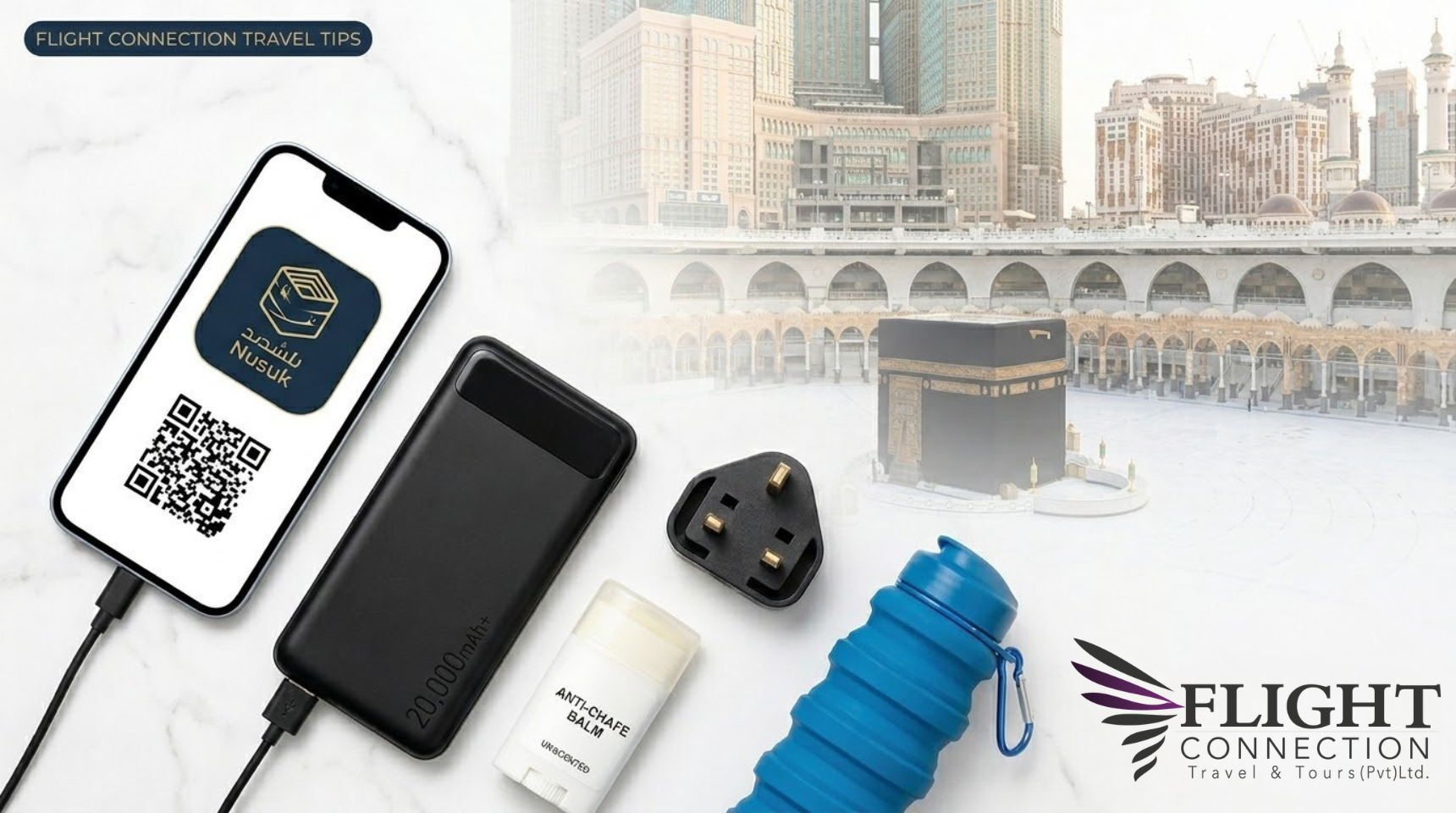
Using a proper Umrah packing checklist is essential for a smooth and spiritual journey is a deeply spiritual time, but the physical demands of the pilgrimage require careful preparation. While everyone remembers their Ihram and prayer beads, these five practical essentials are often overlooked but can significantly improve your comfort during the journey.
1. A High-Capacity Power Bank (20,000mAh+)
Your smartphone is now a vital tool for any pilgrim. From managing permits on the Nusuk App to using digital maps and staying in touch with your group, a dead battery can be a major inconvenience.
- Pro Tip: Choose a power bank with “Fast Charging” capability so you can top up your device quickly during rest periods.
2. Unscented Anti-Chafe Balm or Vaseline
The heat and the 10,000+ steps required for Tawaf and Sa’i can cause severe skin irritation, especially for men in Ihram.
- Important: Ensure the product is completely fragrance-free to comply with the rules of Ihram. Applying this before you begin your rituals will save you from significant discomfort.
3. Universal Type G (UK-Style) Power Adapter
Most hotels in Makkah and Madinah use the Type G three-pin plug (common in the UK and UAE). While some modern hotels offer USB ports, many do not.
- Why pack it? Having your own adapter ensures you can charge your phone, power bank, and other devices simultaneously without relying on hotel equipment.
4. Collapsible Water Bottle with a Clip
Staying hydrated is critical in the Saudi climate. Instead of constantly purchasing plastic bottles, bring a high-quality, BPA-free collapsible bottle.
- Pro Tip: Use a bottle with a carabiner (clip) to attach it to your waist belt or bag. It’s easy to fill with fresh Zamzam water inside the Haram to keep with you at all times.
5. Your Digital “Documents Folder” (Offline)
Even though most visas and permits are now digital, mobile signals can be weak or overloaded in crowded areas like the airport or inside the Haramain.
- What to do: Save a copy of your Visa, Hotel Booking (BRN), and Nusuk permits directly to your phone’s offline files.
- Bonus: Always take a screenshot of your Nusuk QR code. A screenshot usually works for security checks if the app fails to load.